Online Parking Reservations for Avid Exchange Music Factory | Charlotte, North Carolina
No Cash Accepted
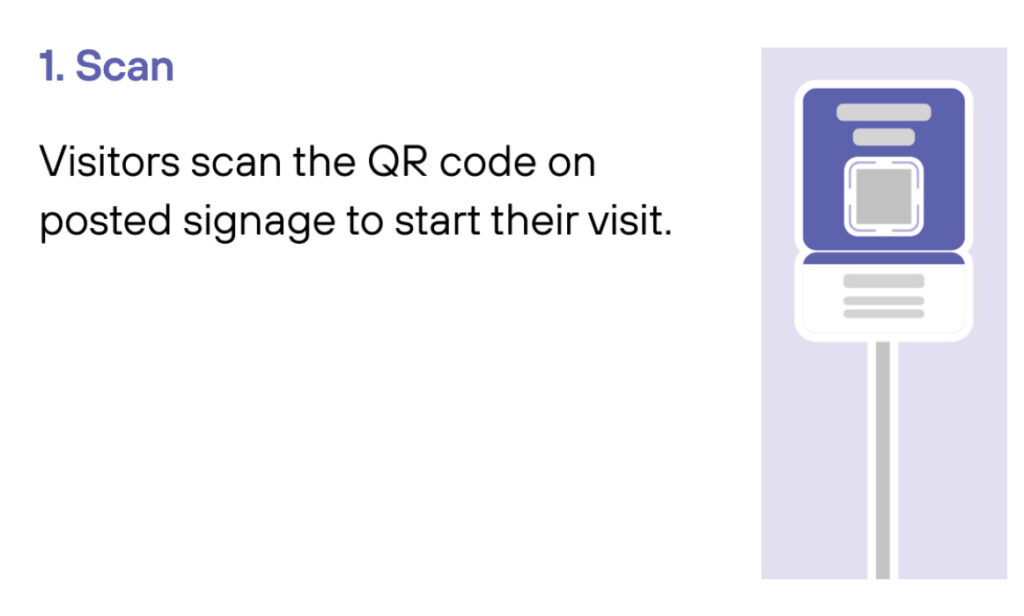
Scan the QR Code or Text the Prompt Shown on the Posted Signage
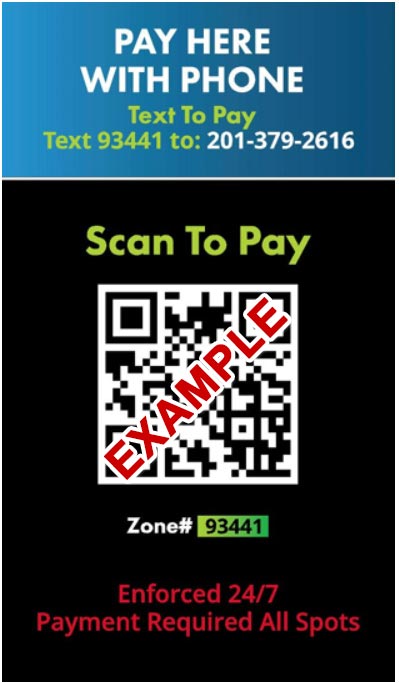
*Below is an example of the signs on-site. Please note that each parking option will have its own unique Text Code and Zone Code.
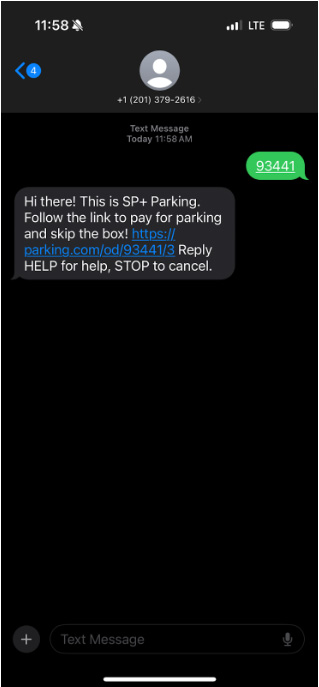
In this example case, you would text 201-379-2616 with the prompt: 93441
If scanning the qr code, please open the suggested link “Parking.com”.
If texting, please click the link to pay, as shown in the example below.